
01
Load locally
Your browser decodes the selected file and prepares a working canvas. The original remains available for the comparison view.
Turn an ordinary photo into a gloriously overcooked meme. This deep fried image generator works directly in your browser with no login, no watermark, and no paywall.
The effect, explained
This browser-based meme fryer turns a normal picture into the loud, damaged visual style associated with overcompressed internet memes. Colors become unnaturally intense, highlights clip, shadows get crushed, edges grow harsh, and digital grain interrupts smooth areas. As an image deep fryer, it exaggerates real pixels. The damage is deliberate, but the subject stays recognizable.
The style grew from repeatedly saving and reposting images until compression artifacts became part of the humor. Modern tools recreate that history in seconds by combining saturation, contrast, sharpening, pixelation, color separation, noise, and low-quality JPEG passes. There is no single magic filter: the convincing look comes from several small distortions working together.
No desktop editor is required. Pick a preset, change overall intensity, or fine-tune individual controls when faces, screenshots, and small text need special care.
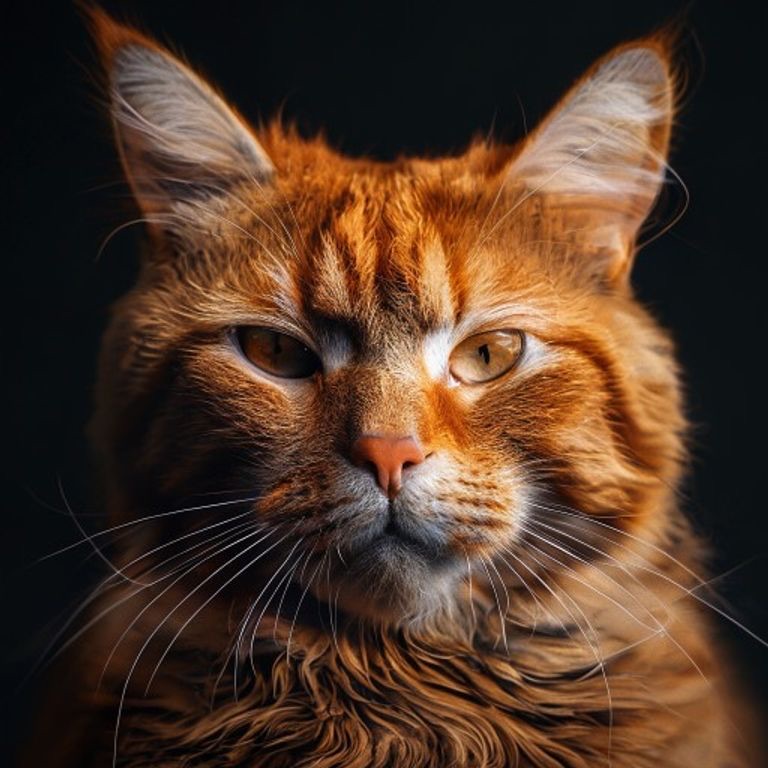
The same photo at four fry levels.
From clean to crispy
The browser builds the look through a predictable image pipeline. Every step has a clear purpose, so you can use a fast default or tune the damage directly.
Your browser decodes the selected file and prepares a working canvas. The original remains available for the comparison view.
Saturation, contrast, warmth, brightness, RGB shift, and sharpening create the exaggerated color and hard outlines.
Seeded noise, pixelation, vignette, and repeated JPEG compression introduce grain, blocks, smears, and color bleeding.
The canvas updates after every adjustment. When the joke reads clearly, export a JPEG, PNG, or WebP file.
A useful image fryer should be deterministic. The same source, preset, intensity, and grain seed produce the same result, making versions easy to compare.
Repeated JPEG encoding matters because every pass discards color information and creates familiar macroblocks. The advanced panel gives you direct control over that damage.
Four starting points
Each preset balances readability and destruction differently. Start with the mood you want, then use overall intensity to move between subtle seasoning and total visual catastrophe.
Adds richer color, slight edge halos, gentle grain, and one compression pass while keeping faces and captions easy to read.
The everyday reaction-image choice. Obvious contrast, louder color, noise, and JPEG artifacts create unmistakable meme energy.
Pushes color clipping, pixelation, RGB separation, sharpening, and compression harder while preserving a strong central subject.
Maximum chaos: heavy grain, severe color shifts, blocky detail, and repeated compression create an aggressively broken internet artifact.
Presets are starting points, not locked recipes. If Nuclear hides the joke, reduce intensity or JPEG passes. If Light feels polite, increase contrast and noise before destroying more detail.
Made for internet humor
The effect works best when visual excess is part of the punchline. A clear subject, familiar context, and one exaggerated reaction usually survive the damage better than a crowded design.
Turn a recognizable face, pet, or movie still into a louder response while keeping the eyes and expression visible.
Fry an inside joke, awkward screenshot, or friend photo. Use it to deep fry a picture quickly, then compare versions.
Create reaction inserts, thumbnails, alert graphics, and deliberately ugly cutaways at a practical editing size.
Give replies, short posts, community pages, and event jokes a rougher personality. Check small-screen readability before publishing.
JPEG is ideal for classic meme damage because repeated lossy compression creates strong blocks, smears, and rough color edges.
PNG keeps processed pixels lossless. Choose it before another editing step or whenever clean final edges matter.
WebP balances a smaller download with useful detail for modern sites and chats, though older workflows may prefer JPEG or PNG.
Private by design
Because image processing runs in the browser, the core workflow does not need an account, an upload queue, or cloud image storage. Selecting a file creates a temporary local reference that the canvas can read; it does not send the image to our server for processing.
That local-first approach is faster and easier to trust. Clear the image or close the tab when you are done. Standard site analytics, if enabled, may measure page visits or feature usage, but the image contents are not part of that measurement.
Better source, better chaos
The fried effect works best when the original already has a clear visual idea. A photo deep fryer still needs a recognizable subject. Use these practical checks to keep the meme readable while making it look thoroughly overcooked.
Faces, pets, bold screenshots, and simple compositions hold up well. Tiny dark details disappear sooner.
Raise saturation and contrast first, then add noise, pixelation, and JPEG passes one family at a time.
Begin face-heavy images with Crispy or Light. Expressions should remain readable even when colors become absurd.
Low quality and repeated passes create macroblocks, but too many can erase captions. Inspect the preview.
Noise placement changes texture without changing other settings. Generate new grain when an eye, word, or edge becomes obscured.
Use sensible dimensions for chats and feeds. Export PNG when another editor will recompress the image.
Common questions
Everything you need to know about files, privacy, processing, and getting a useful result from the tool.
This deep fried image generator is ready whenever the group chat needs more chaos. Choose a photo, find the right fry level, and download a shareable result without creating an account or paying for an export.
Back to the fryer